Welcome Guide
DUNKELD COTTAGE
Thank you for choosing to spend your holidays at Dunkeld Cottage in Kirkby Thore – we hope you have an enjoyable stay!
Location
Directions
Please be advised that there are substantive road improvements taking place on the A66 Penrith-Barnard Castle road taking place over the next 5 – 10 – 100 years – we really don’t know how long!!
From The East ( M1 / Scotch Corner)
Travelling on the A66 as you approach Kirkby Thore you will pass a BP petrol station/shop. Immediately after passing is the perfect time to start indicating to turn right. The road dips and you then see the exit to Kirkby Thore.
From The West ( M6 / Penrith)
Travelling on the A66 the road dips and you will see the (closed) Bridge restaurant at the foot of the dip. Turn Left into Kirkby Thore immediately before the Bridge.
Into the Village
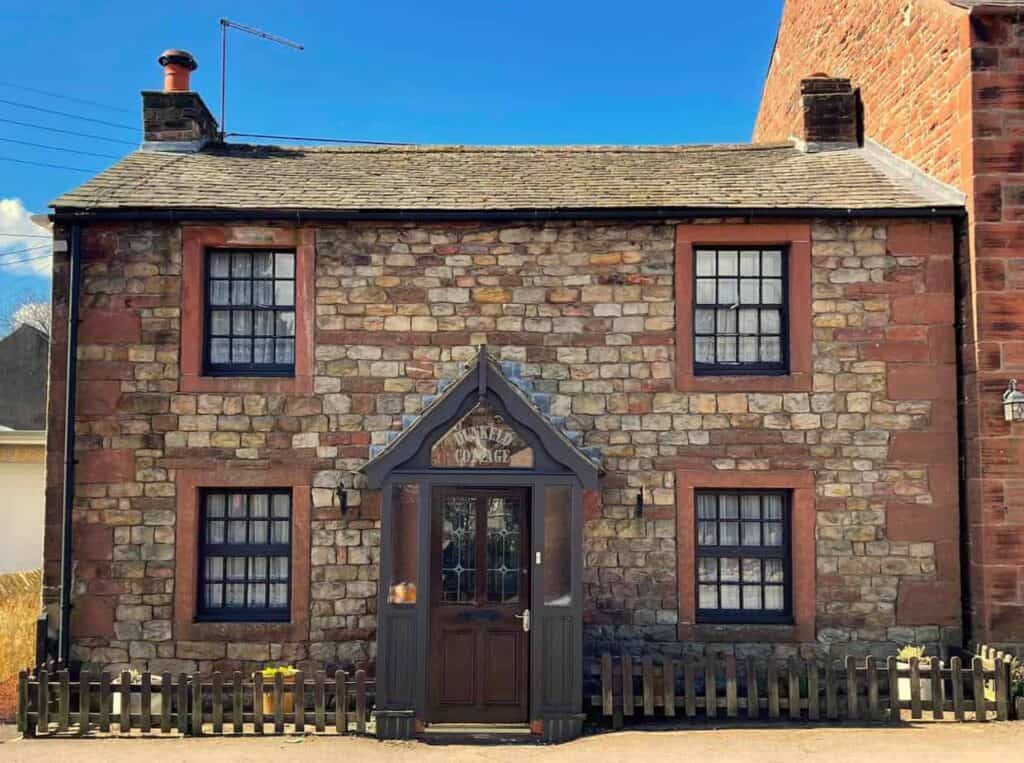
From the A66, follow the road up for approximately 800m until you see the Post Office / Corner Shop on your left. Turn left here, and Dunkeld Cottage is the first property on this road on your left, approx 70m from the shop.
Parking
Parking is on street (no restrictions) either immediately outside the cottage or further along the road. Please do not obstruct the garage owned by the shopkeeper immediately to the left of Dunkeld Cottage.
Days Out
Walking / Cycling / Exploring
The Mason's Arms
Local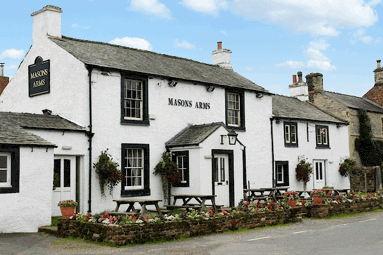
The Kings Arms
Local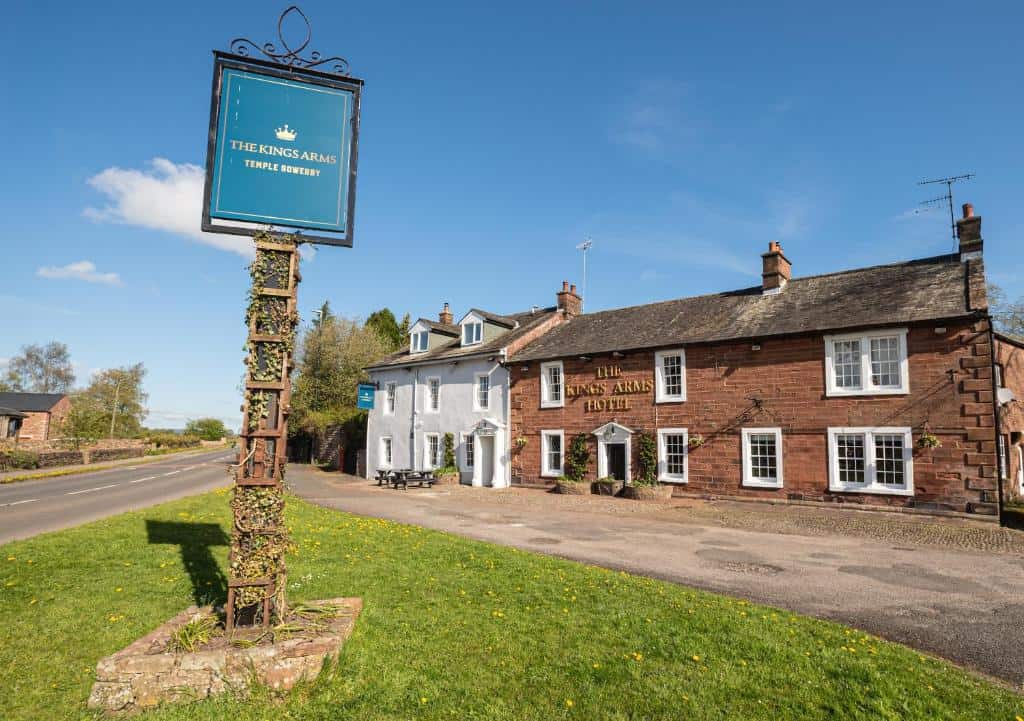
Orrest Head
Lake District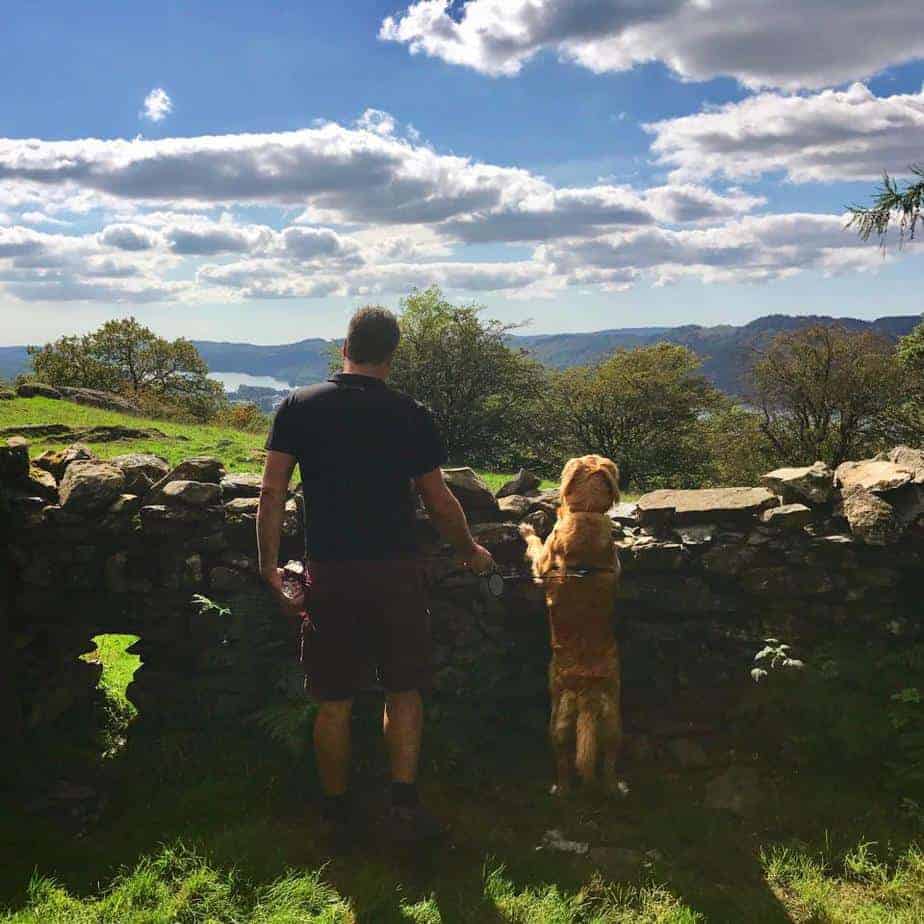
Long Marton
Local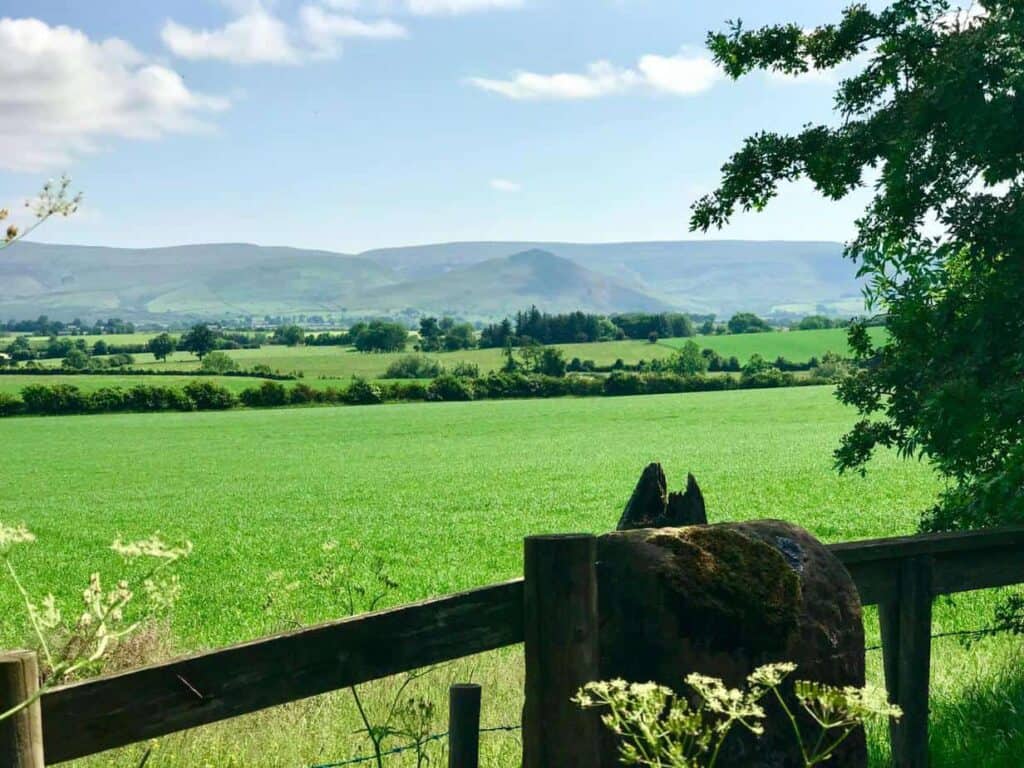
Ullswater
Lake District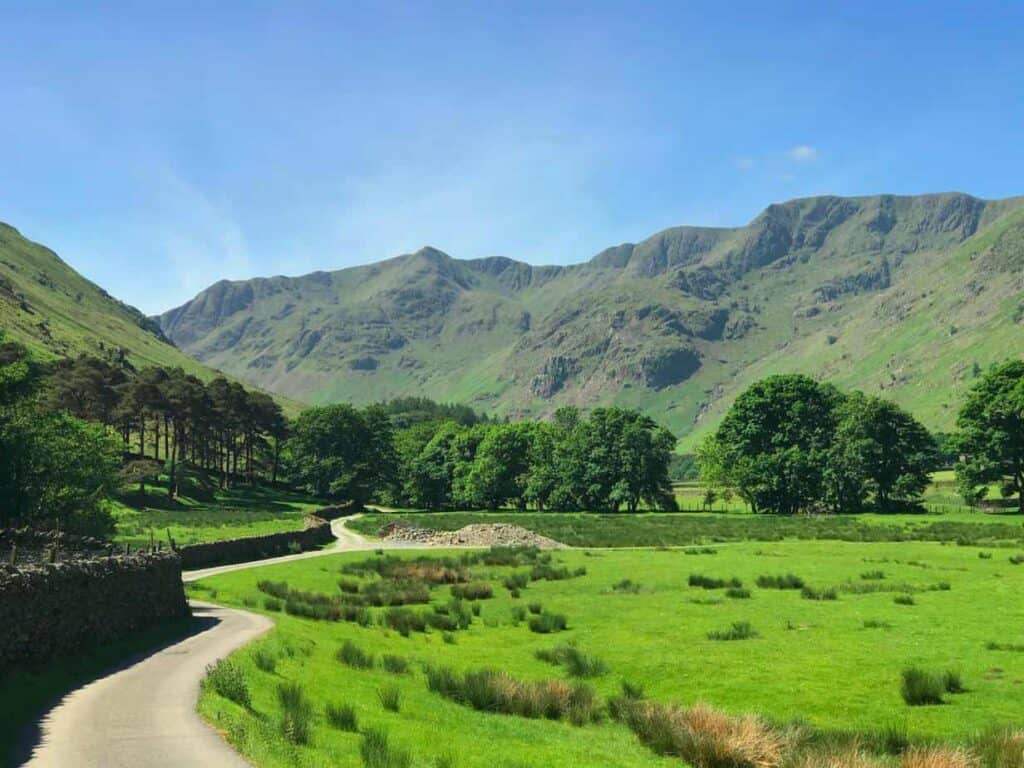
Cat Bells
Lake District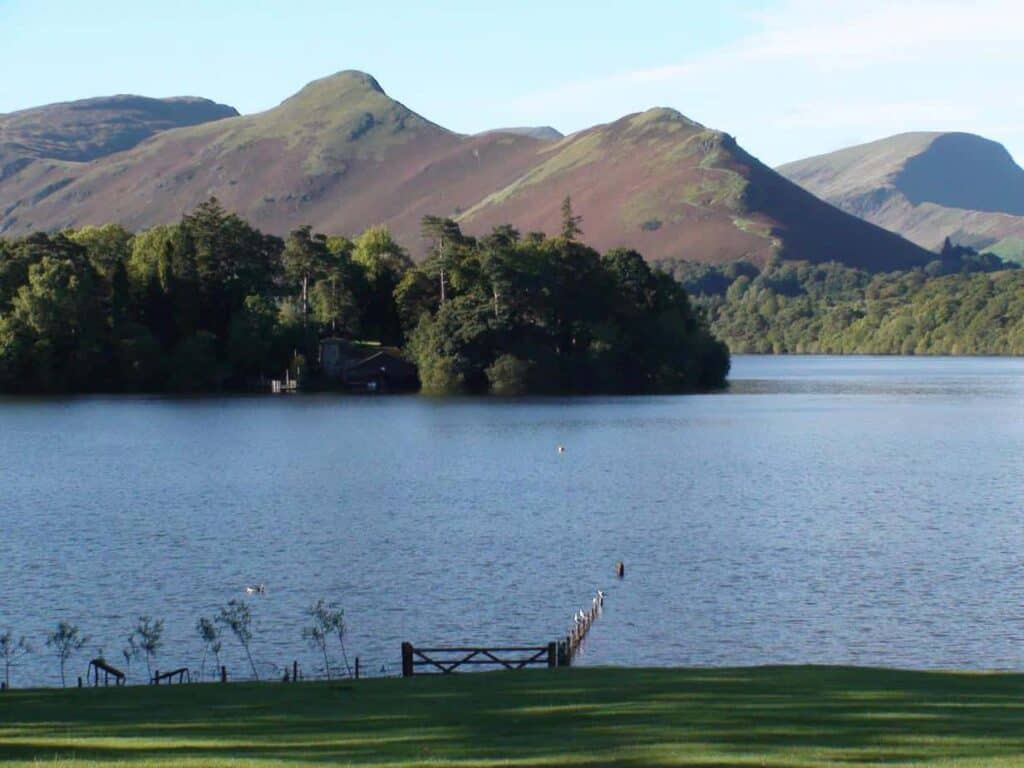
Haweswater
Lake District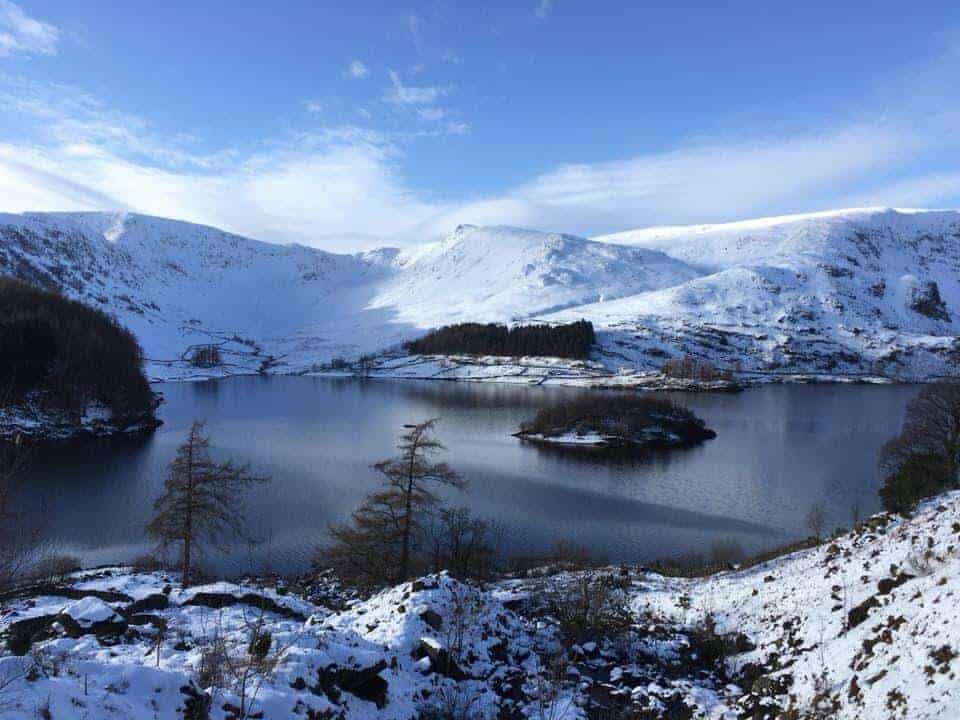
Local Walks
Local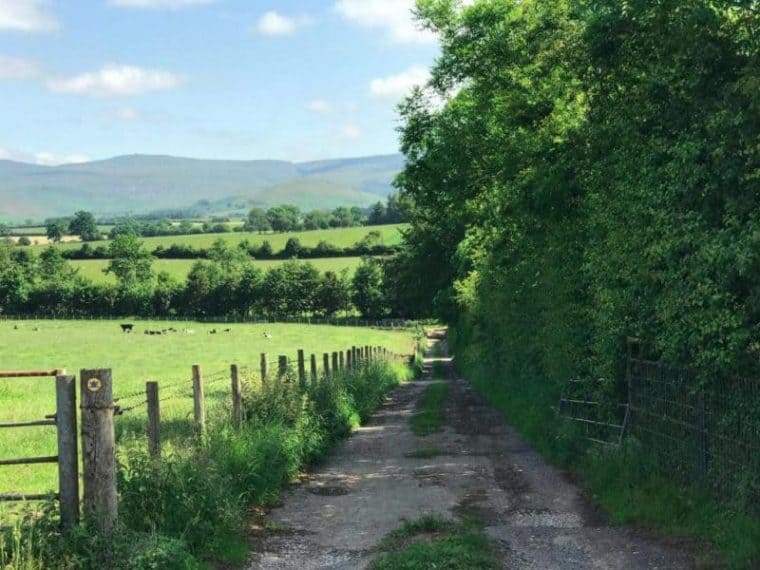
Ullswater Way - Again
Lake District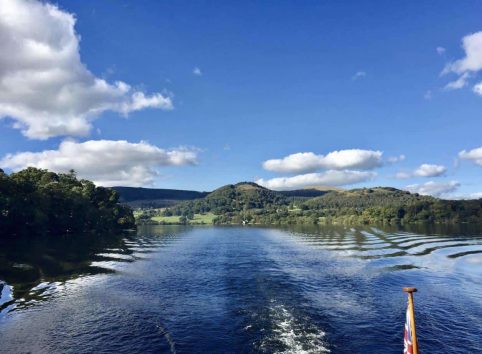
Dufton
Local
Feel At Home
Getting in, connected and cosy. Find your way around the cottage here. If you don't find what you are looking for, or are struggling to get a phone signal to call us, send us a contact request below. (We should receive these messages instantly)
Contact usBins / Rubbish Collection
Household Waste, including Recyclables such as glass bottles, plastics, and cardboard can be put in the Outside Blue Wheeled Bin.
For hygene purposes PLEASE BAG all HOUSEHOLD WASTE using the black bin bags provided.
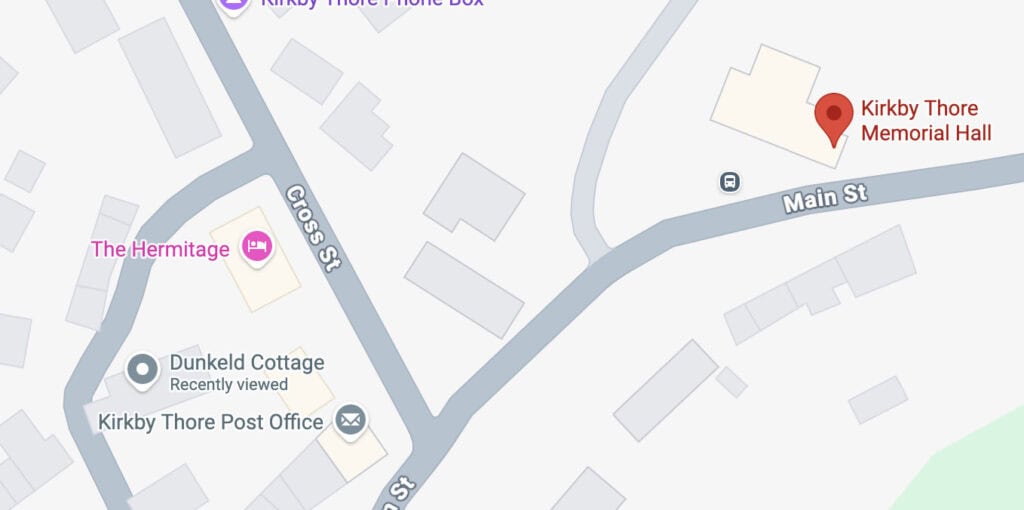
Glass / Cardboard recycling is also available just around the corner in the car park behind the Kirby Thore Memorial Hall.
Collection Date
The Blue Bin is collected early every Friday Morning.
If you are staying at the property please can we ask you to leave the bin out on Thursday night at the end of the path for collection.
Check In / Out Times
Check In is after 3pm
Check Out is by 10:00am (prompt)
Coffee Capsules
A BOSCH Tassimo coffee machine is provided
Fireplace
The Living Room Stove is purely for ornamental use so please do not use.
Fuseboard Location
The fuseboard is located in the understairs cupboard should you need to access it after a powercut or in the event one of the circuits trips.
Heating / Hot Water
More InformationBoth services are provided through the oil boiler located in the corner of the kitchen.
Heating and Hot Water are set to run on schedule, but temperatures and start times can be manually overrided by using the tabletop Honeywell Thermostat. This is typically left for guests on the kitchen worksurfaces, but if not found there, it may have been left in the living room.
Turn Heating On
The Honeywell Thermostat has two buttons on the face, ‘+’ and ‘-‘ buttons. Lifting the flap reveals three Menu buttons.
Press any button once and the display will light up and reveal whether the heating is scheduled ‘AUTO’ or overridden to ‘MAN’.
The current room temperature is displayed on the screen in large text. In smaller text above this is the desired room temperature. To turn the heating on simply press ‘+’ until the desired temperature is above the room temperature.
- Pressing the first menu button steps through changing the Heating scheduled start/end times. You shoudn’t need to use this.
- Pressing the second menu button toggles between scheduled Heating – ‘AUTO’ or On demand ‘ ‘MAN’
Pressing the third menu button toggles between the above setting being ON or OFF
Television
The Living Room TV is a Smart TV with terrestrial channels delivered through a TV aerial.
Use the Hisense TV remote to switch between Smart TV services and Terrestrial TV channels
Connecting to Terrestrial TV Channels
On the remote, click the INPUT button (Top-Right on the remote). Select the ‘TV’ input
Pressing the ‘GUIDE’ button displays the standard Freeview channels that are available, BBC / ITV etc.
Connecting to SMART TV services
Click the HOME button on the remote. Here you can access the free BBC iPlayer, ITVX, Channel 4 and YouTube apps amongst others. If you have subscriptions to Apple TV, Netflix, Disney, Prime you can access these apps also.
Firestick / Chromecast Users
Spare HDMI sockets are available on the TV if you wish to connect your own device.
WiFi / Internet
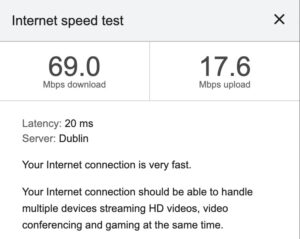
Fibre Internet is provided to the cottage from the tabletop router located in the Kitchen.
An extender socket ensures internet connectivity upstairs, although this may be at a lesser rate as it uses the slower 2.4GHz WiFi standard.
Please do not reset the WiFi router under any circumstances – at the very least this will disconnect the service to the extender socket for the remainder of your stay.
We Respectfully Ask
For the enjoyment of your stay and consideration of others we ask you to be considerate of the following: